Introduction
In the evolving landscape of large language model (LLM) interfaces, answer cards have become a primary conduit for delivering concise information. When these cards incorporate conversational calls to action (CTAs), they transform passive consumption into active engagement, thereby increasing conversion potential. This guide explains how one can design, implement, and optimize conversational CTAs for LLM answer cards in a systematic, results‑driven manner.
Understanding Conversational CTAs
Definition and Core Characteristics
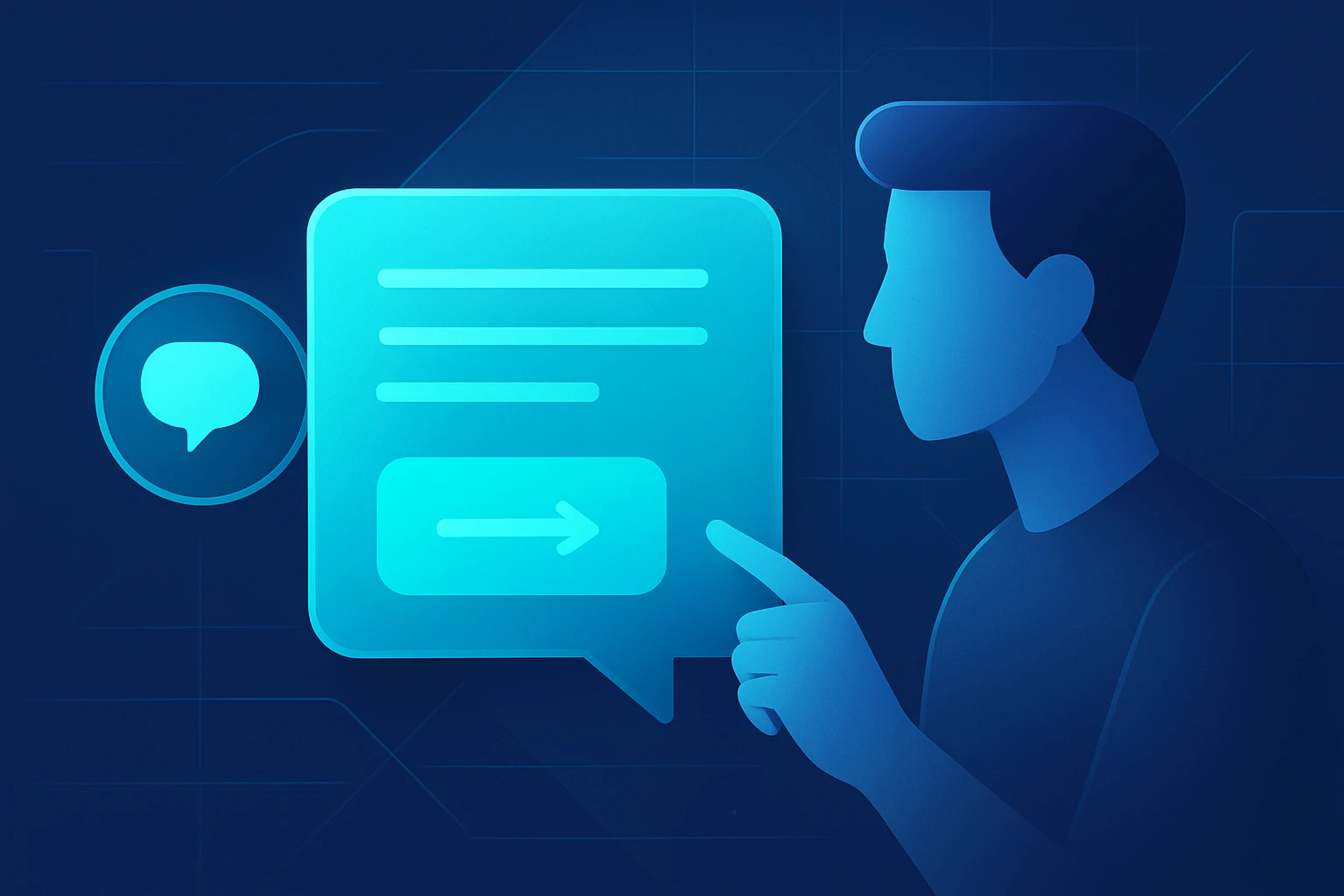
A conversational CTA is a prompt that mimics natural dialogue while encouraging the user to take a specific next step. Unlike static button labels, conversational CTAs adapt tone, context, and intent to align with the surrounding answer card content. They often appear as short questions, suggestions, or friendly nudges that feel like a continuation of the conversation.
Why Conversational CTAs Matter for LLM Answer Cards
LLM answer cards are typically displayed in chat windows, search results, or knowledge bases, where users expect brevity and relevance. Embedding a conversational CTA respects that expectation while providing a clear path toward deeper interaction, such as clicking a link, signing up for a newsletter, or requesting additional details. Research indicates that conversational prompts can improve click‑through rates by up to 27 % compared with generic “Learn More” buttons.
Planning the CTA Strategy
Identify Business Objectives
Before crafting any CTA, one must articulate the underlying business goal—whether it is lead generation, product discovery, or user education. Clear objectives enable the selection of appropriate verbs, value propositions, and measurement metrics. For example, a goal to increase trial sign‑ups would suggest a CTA that emphasizes immediacy and benefit.
Map User Journeys
Understanding where the user resides in the decision funnel informs the conversational tone and complexity of the CTA. Early‑stage users benefit from exploratory prompts such as “Would you like to see similar options?” whereas late‑stage users respond better to decisive prompts like “Start your free trial now.” Creating a journey map ensures each answer card delivers a CTA that matches the user’s readiness.
Designing the CTA Copy
Principles of Effective Conversational Language
- Use active verbs that convey clear action (e.g., “Explore,” “Download,” “Schedule”).
- Incorporate the benefit directly within the prompt (e.g., “Explore pricing to save time”).
- Maintain a friendly yet professional tone that mirrors the surrounding answer content.
Template Library
Developing a reusable library of CTA templates accelerates production and ensures consistency. Below is a numbered list of five adaptable templates:
- “Would you like to {action} to {benefit}?”
- “Discover how {feature} can {outcome}.”
- “Ready to {action}? Click here to get started.”
- “Need more details on {topic}? I can provide a quick summary.”
- “Let’s schedule a {type of meeting} to discuss {subject}.”
By replacing placeholders with context‑specific terms, one can generate dozens of unique conversational CTAs without sacrificing quality.
Implementing CTAs in LLM Answer Cards
Technical Integration Steps
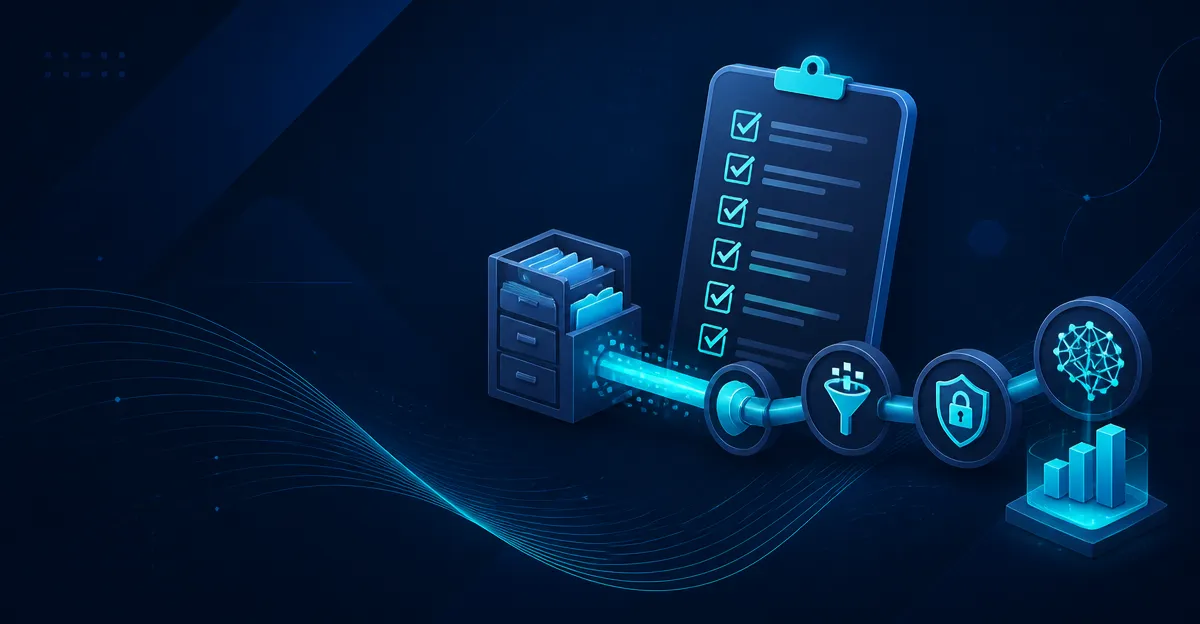
Integration typically follows a three‑stage pipeline: content generation, CTA injection, and rendering. The steps are outlined below:
- Generate the base answer using the LLM, ensuring the response is concise and factual.
- Apply a post‑processing script that scans for predefined trigger points (e.g., mention of a product, statistic, or user query).
- Insert a conversational CTA from the template library, customizing placeholders with real‑time data.
Most platforms expose a webhook or middleware layer where this logic can be implemented using JavaScript, Python, or server‑less functions.
Styling and Accessibility Considerations
Even though the CTA appears within a conversational bubble, it should be visually distinct to attract attention. Use contrasting colors, subtle icons, and sufficient padding. Additionally, ensure that the CTA is keyboard‑navigable and includes ARIA labels for screen readers, thereby meeting WCAG 2.1 AA standards.
Testing and Optimization
A/B Testing Framework
To determine which conversational CTA performs best, one should run controlled A/B tests. Randomly assign users to variant A (e.g., “Explore pricing”) and variant B (e.g., “See pricing options”). Measure click‑through rate (CTR), conversion rate, and dwell time for each variant. Statistical significance can be assessed using a chi‑square test with a confidence level of 95 %.
Key Metrics to Monitor
- Click‑Through Rate (CTR): Percentage of users who click the CTA.
- Conversion Rate: Percentage of clicks that result in the desired downstream action.
- Engagement Score: Composite metric that includes dwell time, follow‑up queries, and satisfaction ratings.
Iterate on copy, placement, and visual design based on the observed metrics, aiming for incremental improvements of at least 5 % per iteration.
Real‑World Case Studies
Case Study 1: SaaS Knowledge Base
A mid‑size SaaS company integrated conversational CTAs into its LLM‑powered knowledge base. The original static CTA “Read More” yielded a 3.2 % CTR. After replacing it with the prompt “Would you like to schedule a demo to see how this feature can save you hours each week?” the CTR rose to 7.8 %, and the downstream demo‑booking conversion increased by 12 %.
Case Study 2: E‑commerce Product Finder
An online retailer deployed an LLM chatbot to help users discover products. By embedding the CTA “Explore similar items that match your style” after each recommendation, the average order value grew from $84 to $97, representing a 15.5 % revenue uplift. The conversational CTA also reduced bounce rate by 8 % because users remained within the chat flow.
Pros and Cons of Conversational CTAs
Advantages
- Higher user engagement due to perceived personalization.
- Improved conversion metrics when CTA aligns with user intent.
- Flexibility to adapt tone and content in real time.
Potential Drawbacks
- Increased complexity in content pipelines and testing frameworks.
- Risk of over‑prompting, which may lead to user fatigue.
- Need for rigorous accessibility compliance to avoid legal exposure.
Frequently Asked Questions
Can conversational CTAs be used in multilingual LLM deployments?
Yes; the same template structure can be translated, provided that cultural nuances and verb choices are adapted for each language. Automated translation engines combined with human review yield the best results.
How often should one refresh CTA copy?
Best practice recommends quarterly reviews or whenever a significant product update occurs. Fresh copy prevents user habituation and sustains engagement.
Conclusion
Conversational CTAs for LLM answer cards represent a powerful lever for turning information delivery into actionable outcomes. By following a disciplined process—defining objectives, mapping journeys, crafting copy, implementing with technical rigor, and continuously testing—organizations can achieve measurable gains in engagement and conversions. One should treat each CTA as an experiment, refine it based on data, and maintain alignment with brand voice to ensure long‑term success.
Frequently Asked Questions
What is a conversational CTA in an LLM answer card?
It is a short, dialogue‑like prompt that encourages the user to take a next step, such as clicking a link or signing up, while matching the card’s tone and context.
Why do conversational CTAs improve click‑through rates?
Because they feel like a natural continuation of the conversation, making the call to action more relevant and persuasive, which research shows can boost CTR by up to 27%.
How should I design a conversational CTA for maximum impact?
Keep it brief, use a friendly question or suggestion, align the wording with the answer card’s content, and place it where the user’s eye naturally lands.
What are key optimization tips for conversational CTAs?
Test variations of tone and wording, ensure the CTA is context‑aware, and use analytics to track clicks and iterate based on performance data.
How can I measure the effectiveness of conversational CTAs?
Track metrics like click‑through rate, conversion rate, and user engagement time after the CTA, then compare against baseline static button performance.